NEW: Transform Your Workplace with Effortless Visitor Management

Add-Ons
Who We Help
Resources
About Us

All in One Platform

All in One Platform

Industries

Our Resources

About Us

Best Seat in the House. Every Day.

Smart desk booking that adapts to how your people actually work.

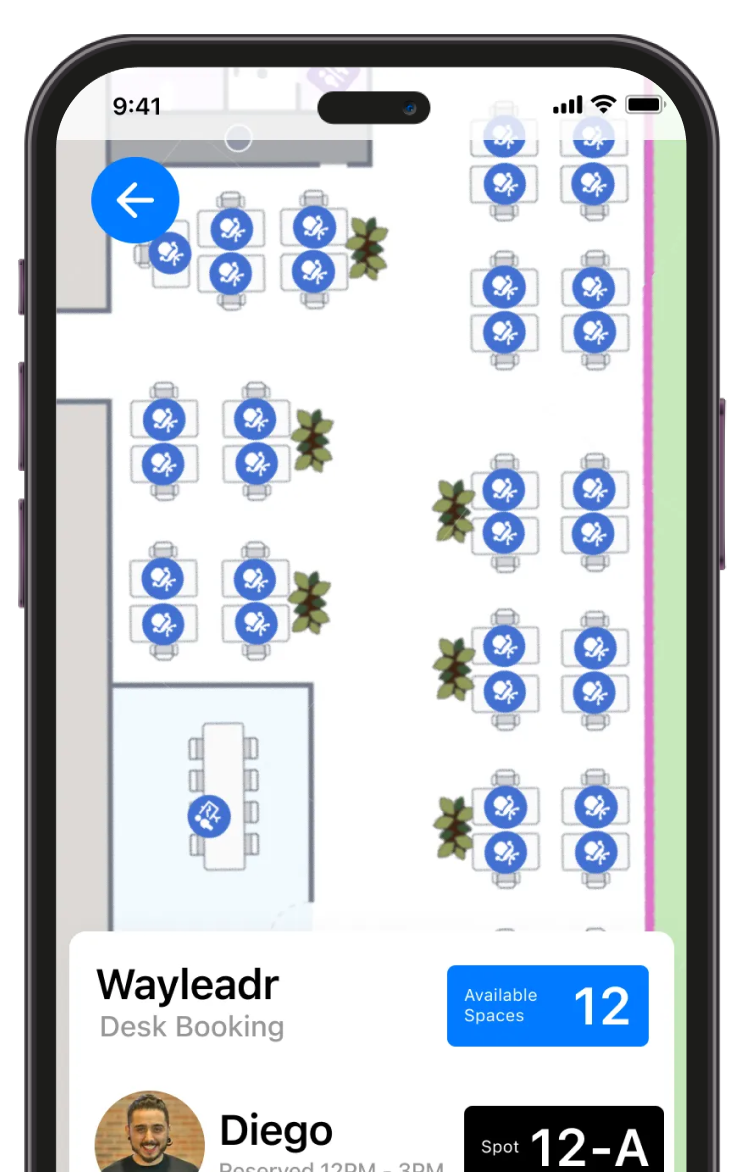
A smartphone screen displays a desk booking app with a floor plan showing available desks, 12 available spaces, and a booking confirmation for spot 12-A by a user named Diego.

Industry giants rely on Wayleadr to streamline their parking management

1. Book your desk in advance

Reserve your workspace through the app or web with real-time availability. Pick your exact desk or choose by zone, and see who’s sitting nearby for easy team coordination.

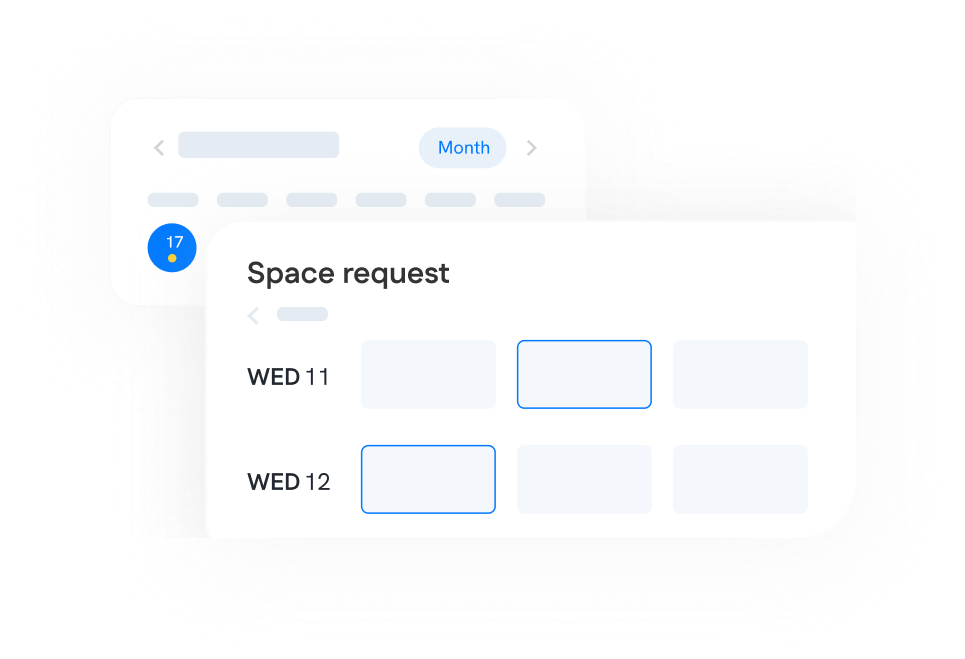
A digital calendar interface displays a "Space request" form with blank boxes for entries on Wednesday 11 and Wednesday 12.
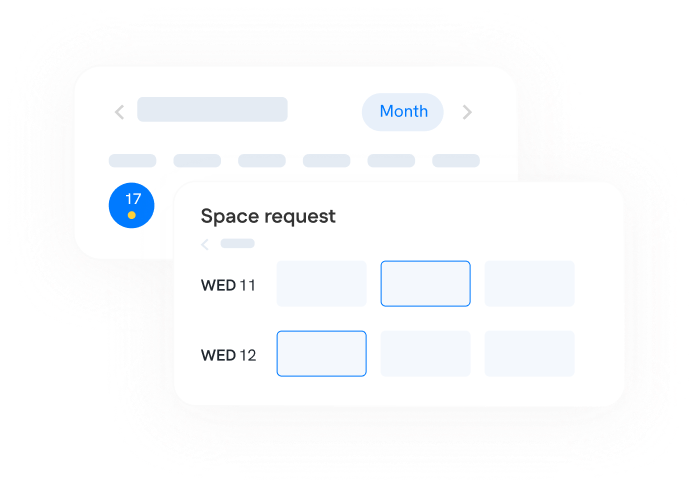
A digital calendar interface showing dates, a highlighted 17th, and a space request form with empty time slots for Wednesday 11 and Wednesday 12.

2. Get instant confirmation

Wayleadr processes your booking immediately and sends confirmation details. Your desk is secured on a first-come, first-served basis with no waiting or approval delays.

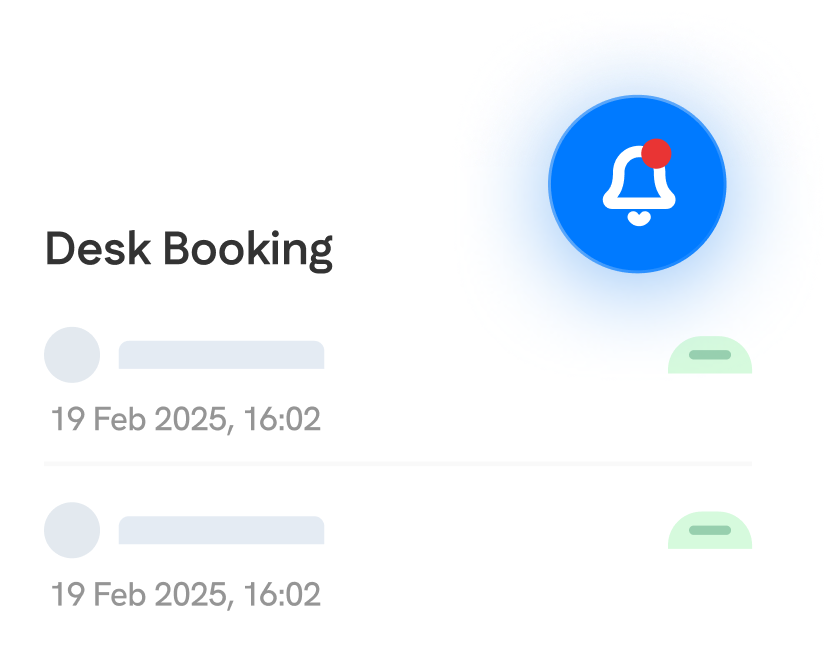
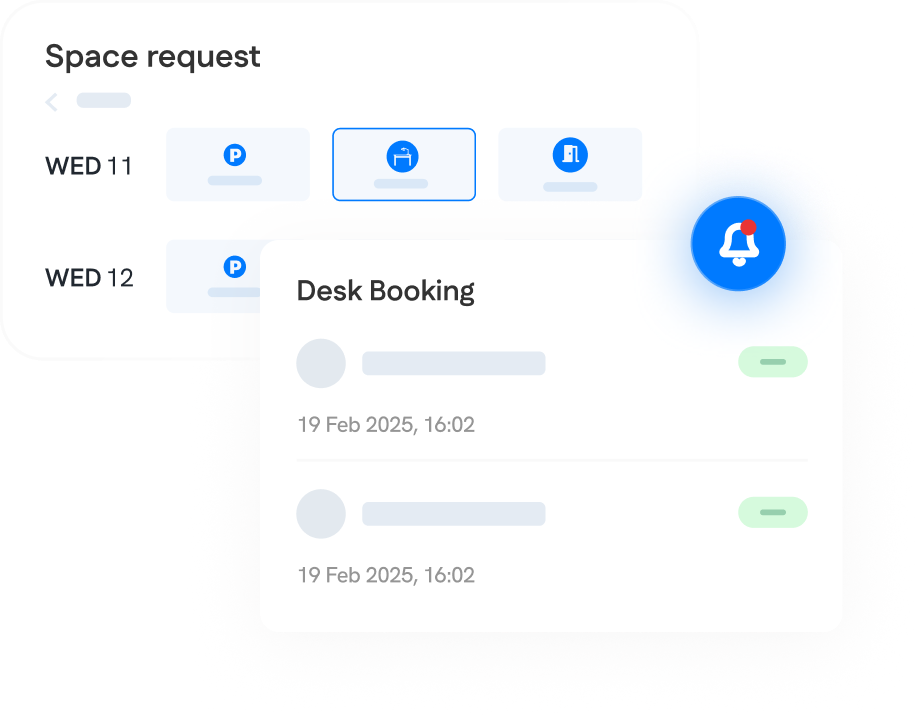
A digital interface shows "Desk Booking" with two booking entries dated 19 Feb 2025, 16:02, and a blue notification bell icon with a red dot in the top right corner.
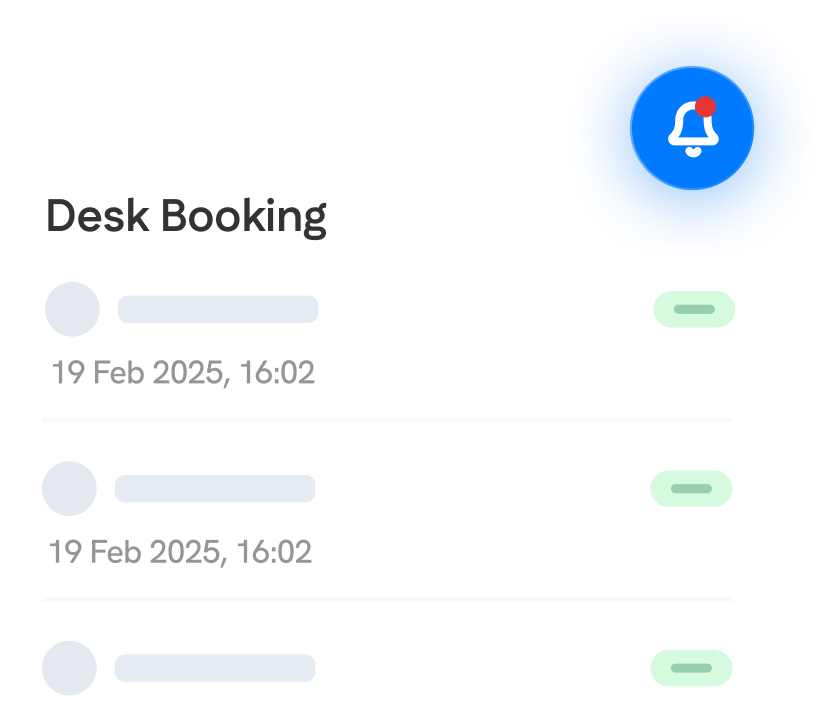
A digital interface shows desk booking details with dates and times. A blue notification bell with a red dot is visible in the top right corner.

3. Navigate to your spot

On booking day, use the built-in map feature to get directions straight to your assigned desk. No more wandering around looking for available workspace.

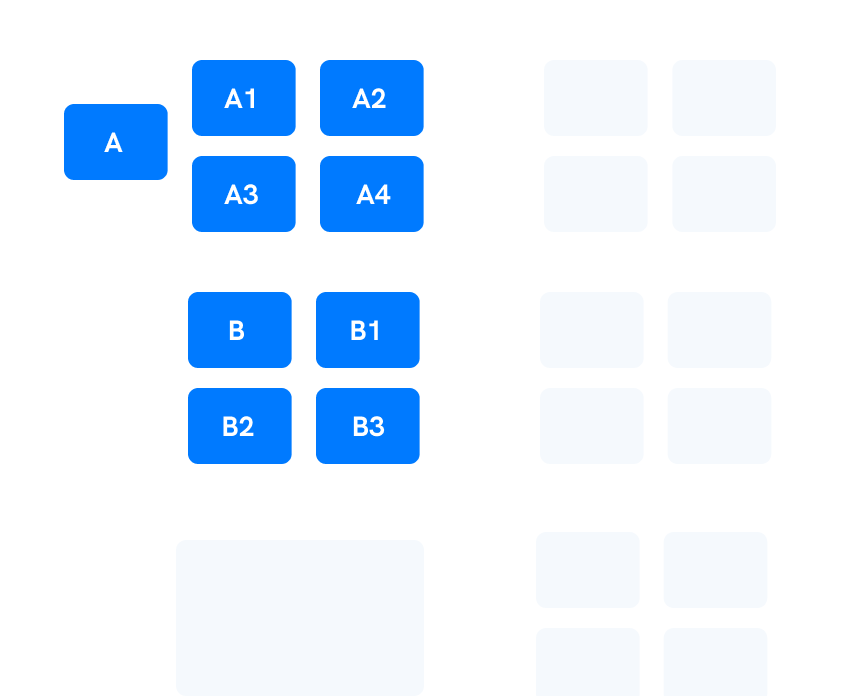
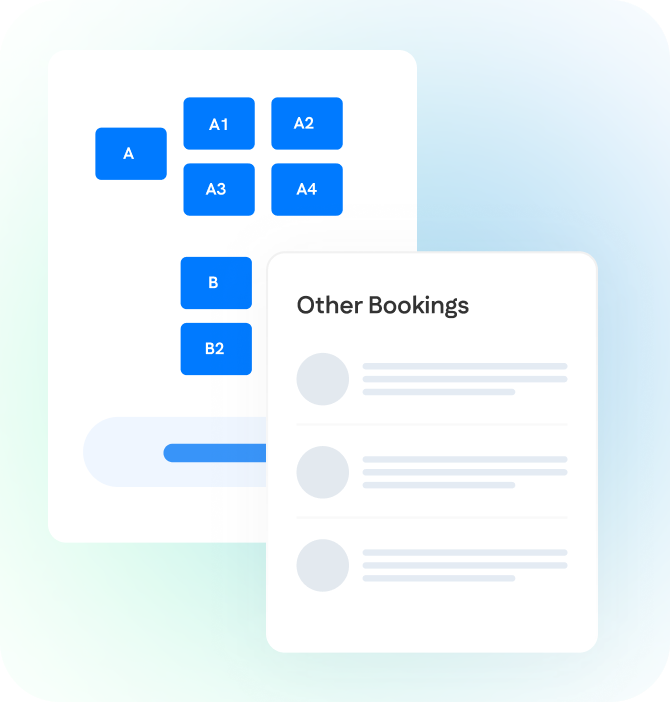
A grid of blue rectangular buttons labeled A, A1, A2, A3, A4, B, B1, B2, and B3 on a white background, with some blank grid spaces to the right.

4. Track usage and optimize

Facilities teams get full visibility into desk utilization patterns, peak usage times, and space optimization opportunities — all in one comprehensive dashboard.

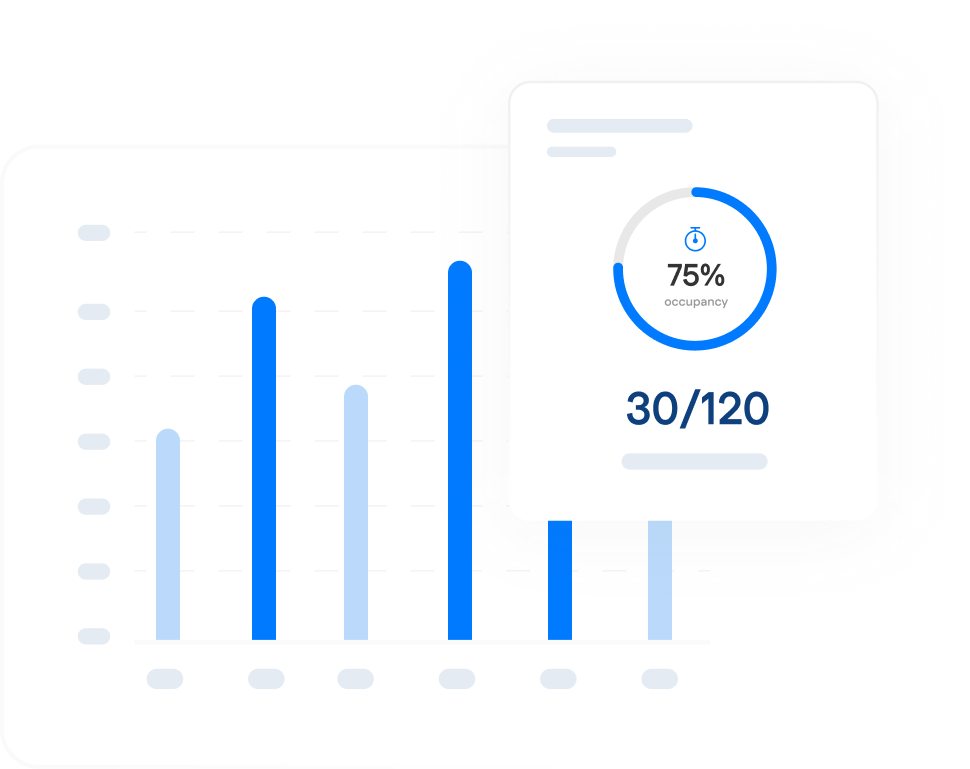
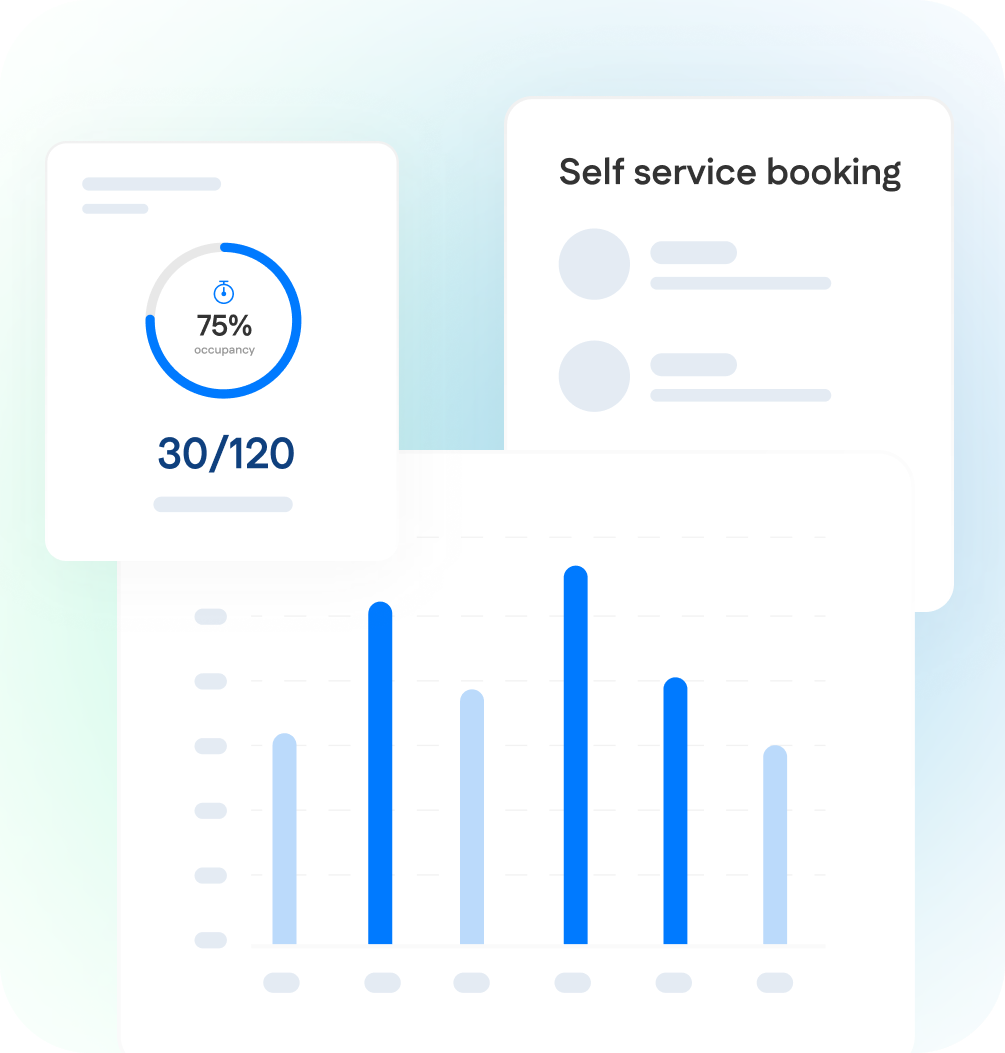
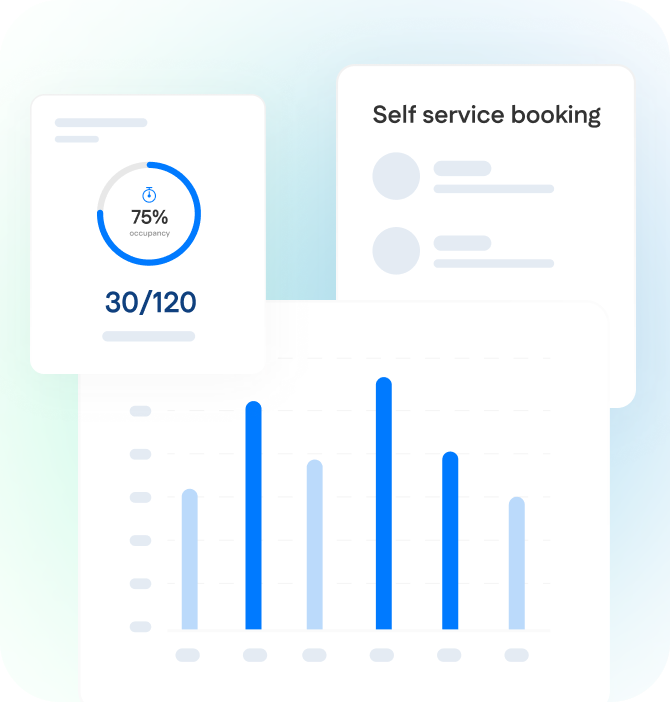
A bar chart with four vertical blue bars is shown in the background; in front, a card displays "75% occupancy" and "30/120" with a circular progress indicator.

Why Leaders Choose Wayleadr For Desk Management

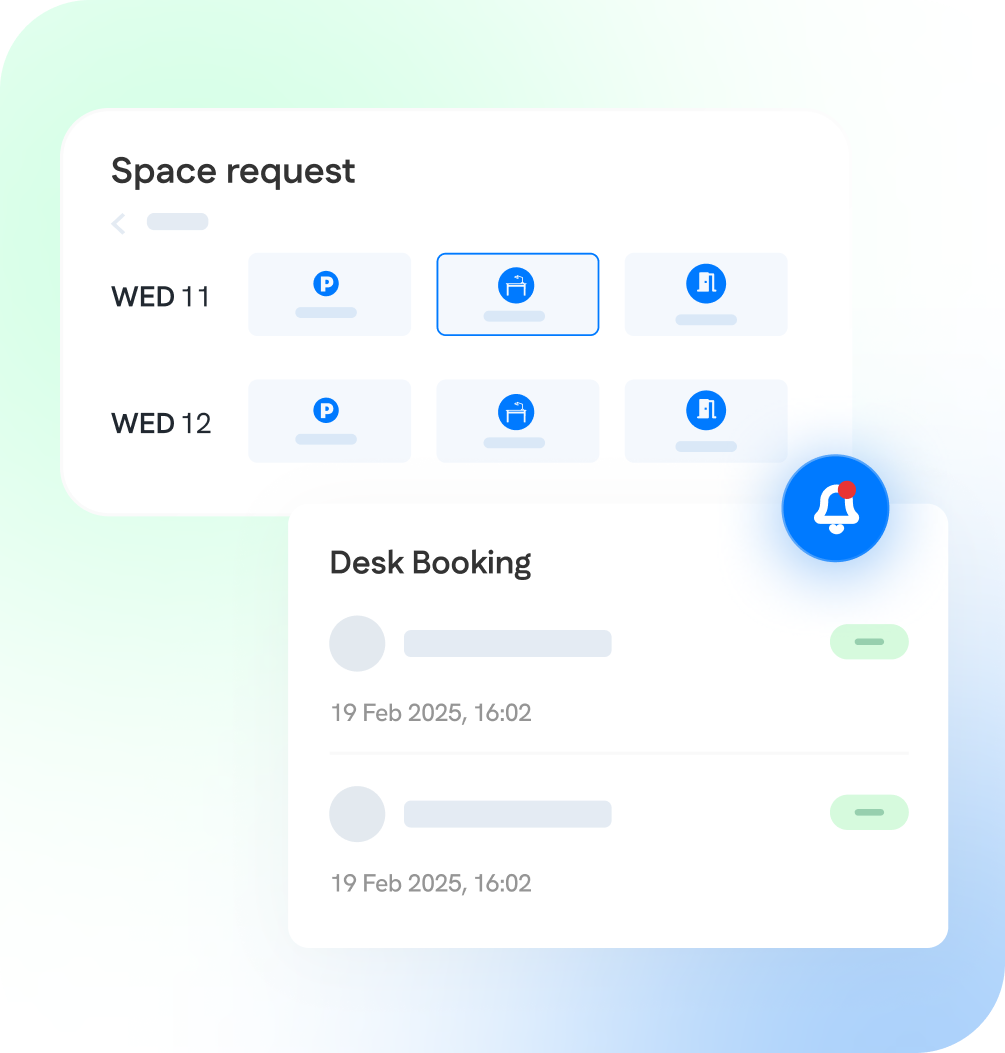
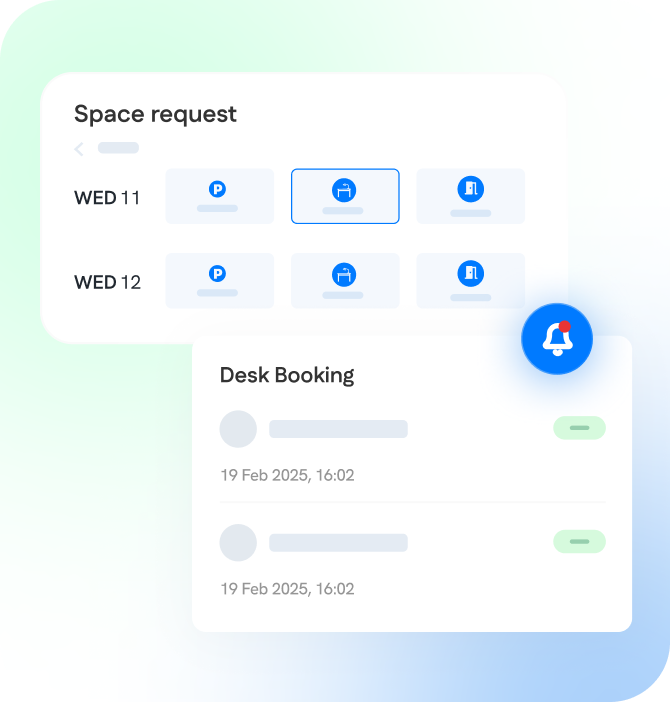
A digital interface showing space request options for two dates and a desk booking section with two scheduled bookings on 19 Feb 2025, plus a notification bell icon.
A user interface screen shows space request options for selecting parking, desk, or room on specific dates, alongside a desk booking summary with dates and times.

Instant Booking & Updates

No more approval delays or booking uncertainty. First-come, first-served processing means immediate confirmation, while real-time availability prevents double bookings and last-minute surprises.

Interactive Floorplans

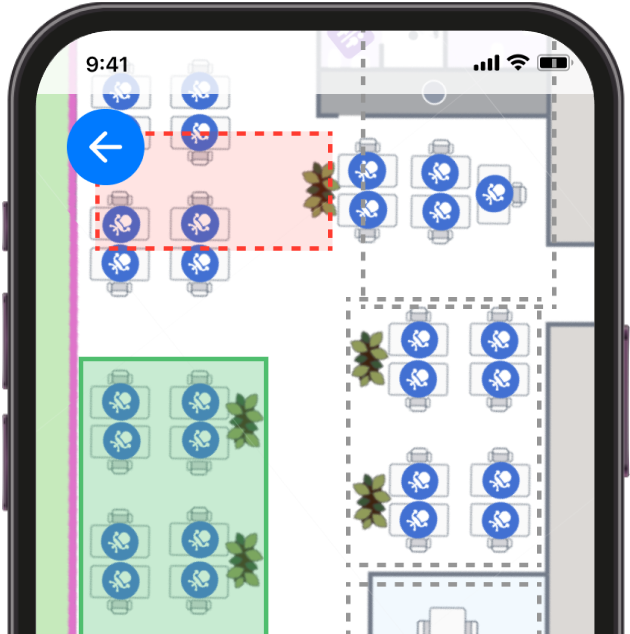
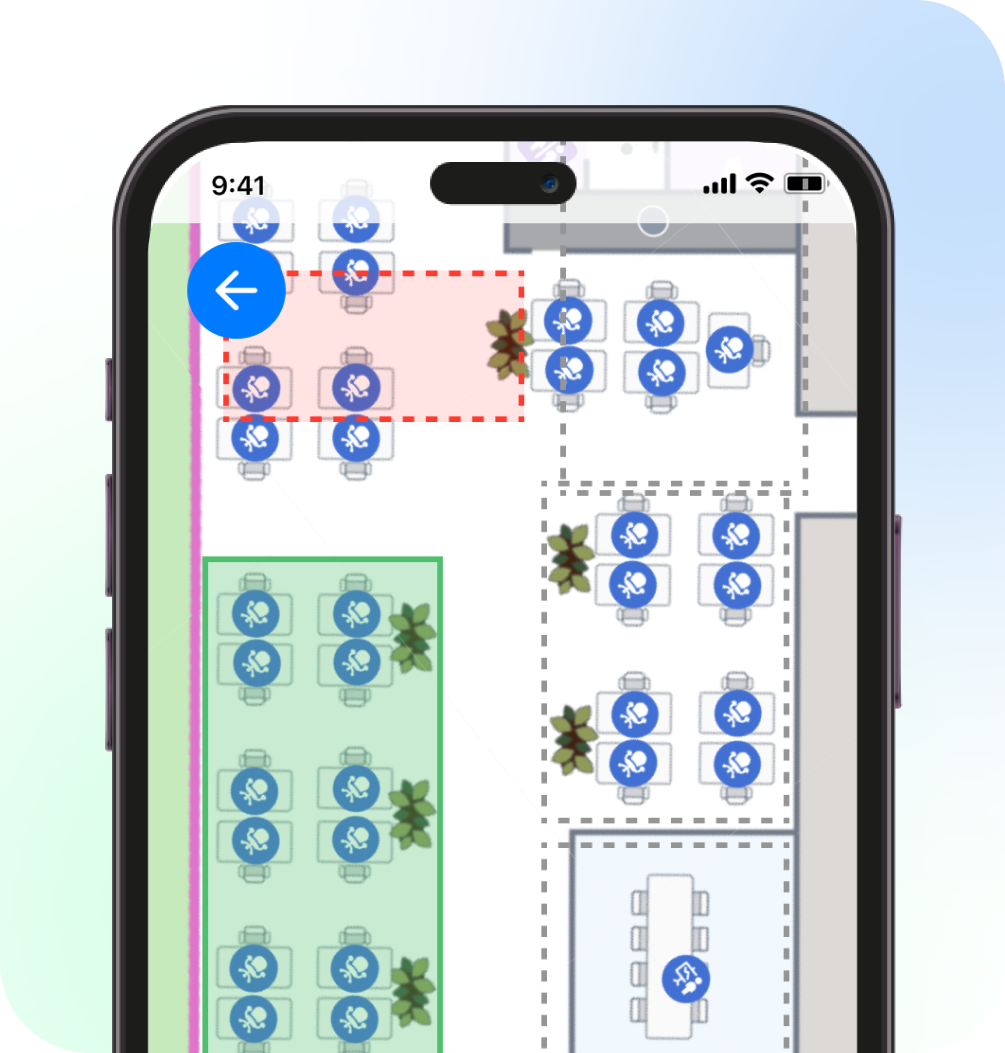
Eliminate the guesswork with visual desk selection. Employees see exactly what’s available, pick their ideal spot, and coordinate with teammates using real floor layouts instead of confusing booking grids.

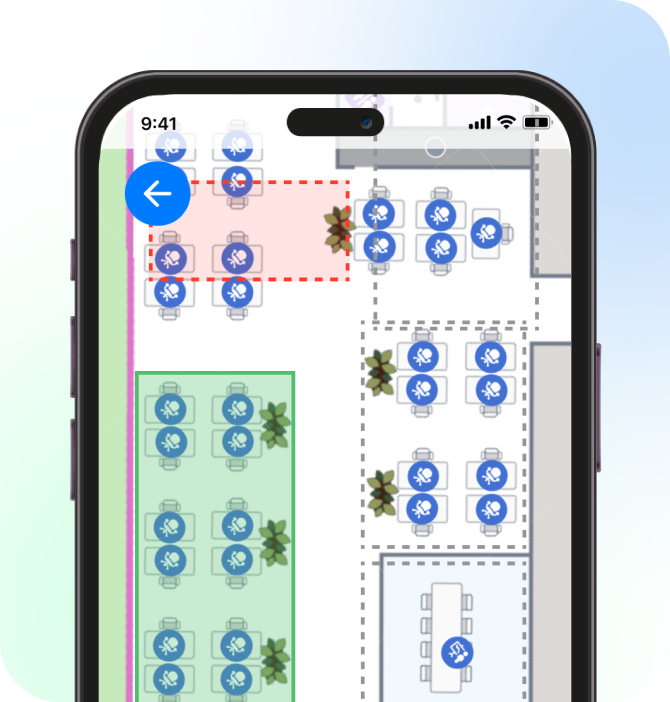
A smartphone screen displays a seating chart with various tables, some enclosed in colored boxes and others highlighted with red and green areas.
A smartphone screen displays a digital floor map with seating arrangements, color-coded zones, and icons indicating available and occupied seats.
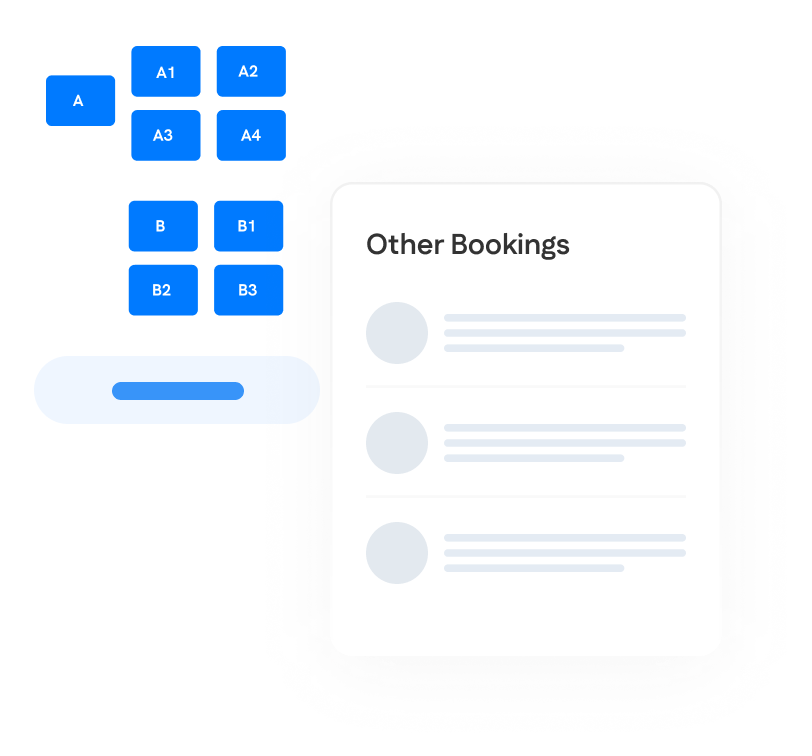
A digital interface displaying a seat selection grid on the left and a list labeled "Other Bookings" with three blurred entries on the right.
A digital interface displaying a seat selection chart with labeled buttons and a panel titled "Other Bookings" listing multiple items.

Smart Collaboration Features

Transform random desk assignments into strategic team coordination. Employees can see who’s booked nearby, plan collaborative workdays, and book adjacent spots for project-focused sessions.

Zero Admin Overhead

Set booking policies once and let automation handle the rest. Self-service booking, automatic space release, and intelligent scheduling eliminate manual management while providing complete usage visibility.

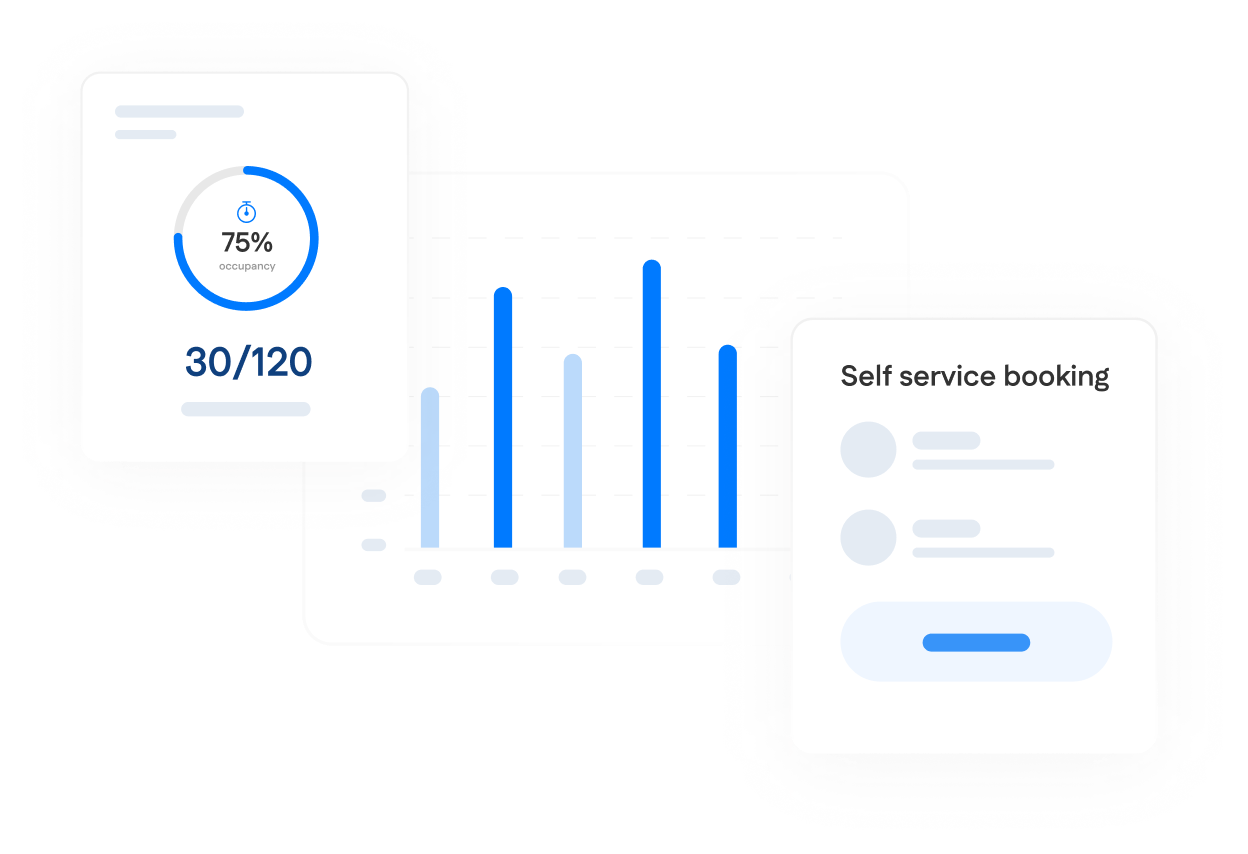
A dashboard with a bar graph, a circular occupancy chart showing 75% (30/120), and a self-service booking card with a button and two user icons.
A dashboard displays 75% occupancy (30/120), a self-service booking section, and a bar chart with five vertical bars of varying heights.

Why Leaders Choose Wayleadr For Desk Management

A digital interface showing space request options for two dates and a desk booking section with two scheduled bookings on 19 Feb 2025, plus a notification bell icon.
A digital interface showing options for booking parking, desk, or meeting spaces for February 11 and 12, 2025, and a list of desk bookings with dates and times.

Instant Booking & Updates

No more approval delays or booking uncertainty. First-come, first-served processing means immediate confirmation, while real-time availability prevents double bookings and last-minute surprises.

Interactive Floorplans

Eliminate the guesswork with visual desk selection. Employees see exactly what’s available, pick their ideal spot, and coordinate with teammates using real floor layouts instead of confusing booking grids.

A smartphone screen displays a seating chart with various tables, some enclosed in colored boxes and others highlighted with red and green areas.
A smartphone screen displays a digital floor plan with various tables, chairs, plants, and blue icons marked on different areas.
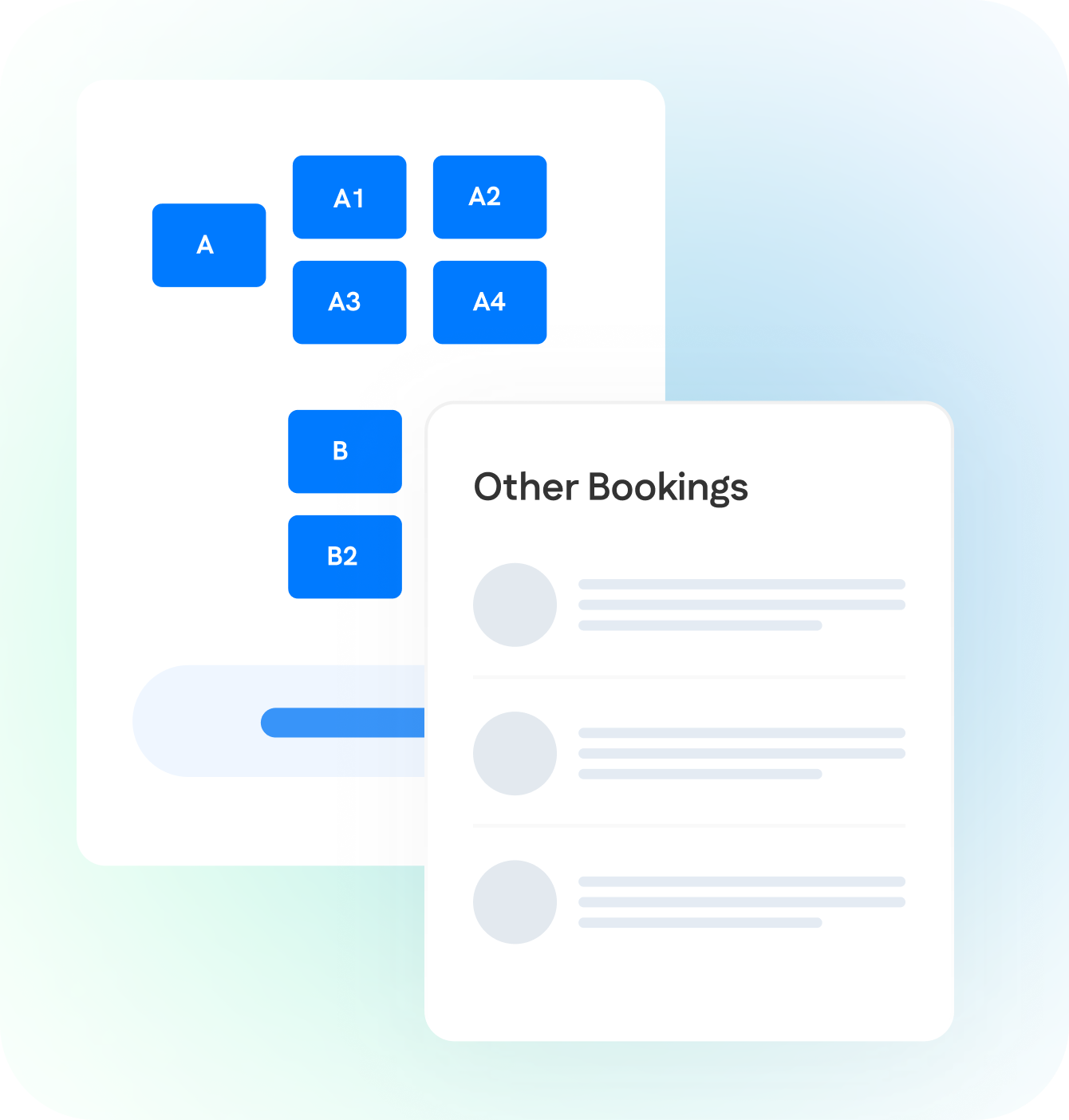
A digital interface displaying a seat selection grid on the left and a list labeled "Other Bookings" with three blurred entries on the right.
A graphic showing a seat selection interface with labeled seats and a list of other bookings on the right.

Smart Collaboration Features

Transform random desk assignments into strategic team coordination. Employees can see who’s booked nearby, plan collaborative workdays, and book adjacent spots for project-focused sessions.

Zero Admin Overhead

Set booking policies once and let automation handle the rest. Self-service booking, automatic space release, and intelligent scheduling eliminate manual management while providing complete usage visibility.

A dashboard with a bar graph, a circular occupancy chart showing 75% (30/120), and a self-service booking card with a button and two user icons.
Dashboard showing a 75% occupancy rate (30 out of 120), a self-service booking section, and a vertical bar graph with five blue bars.

Integrations

Wayleadr Desk Booking connects with calendar systems and communication platforms for effortless workspace coordination.

Google Calendar logo showing a colorful square with "31" and the word "Calendar" in gray text to the right.

Workday logo with the word “workday” in blue lowercase letters and an orange curved line arching over the top.
Okta logo with a circular black sunburst graphic to the left of the word "okta" in lowercase black letters on a light background.
Paxton logo featuring a green downward-pointing triangle to the left of the word "Paxton" in black text on a light background.

Ready for Desk Booking that Actually Works?

Automated scheduling. Happy employees. Optimized spaces.